The platform behind how Stackup teaches.
A structured place to learn, practise, submit work, receive feedback and track progress. Built and maintained in-house by Stackup, from our experience training learners.
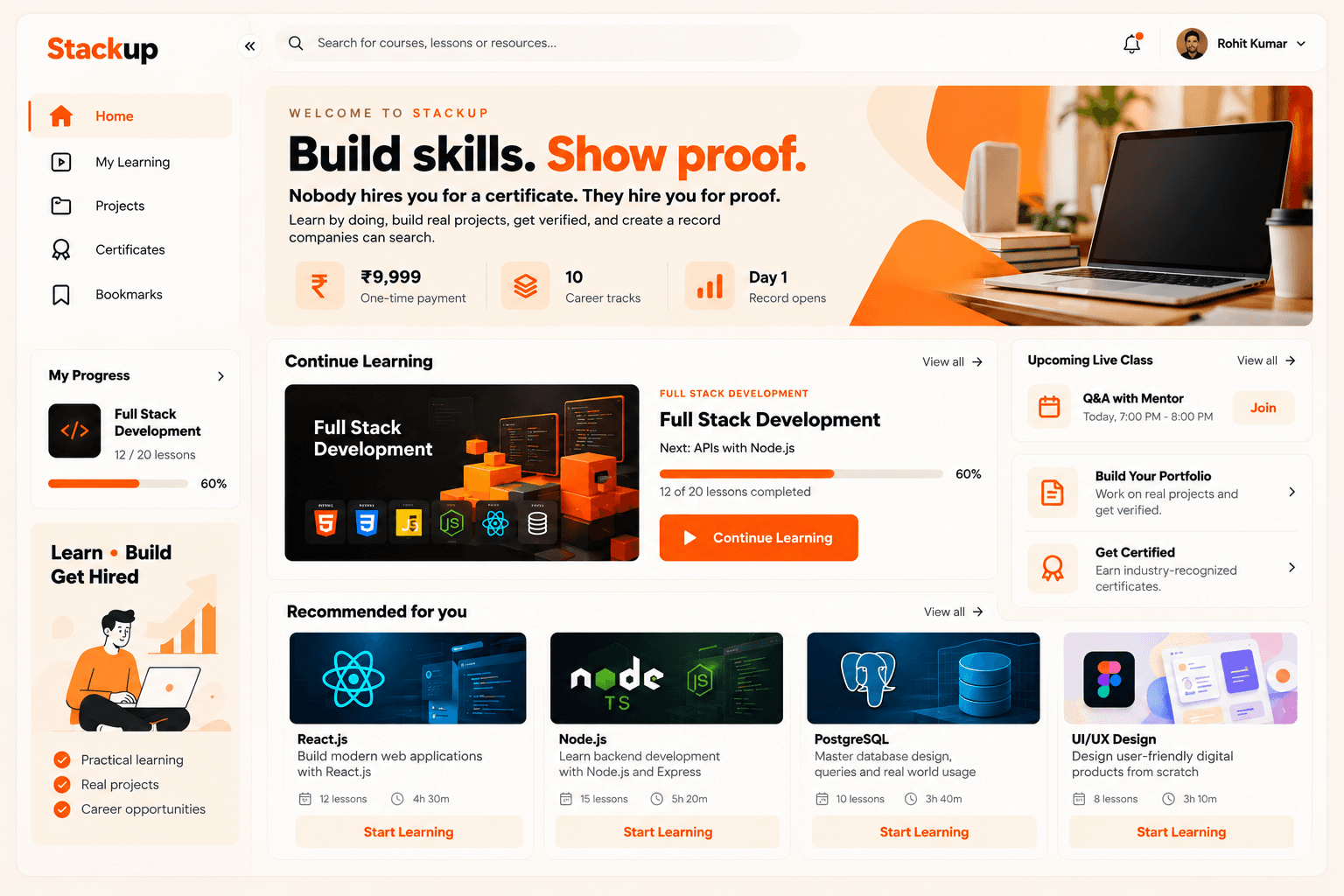
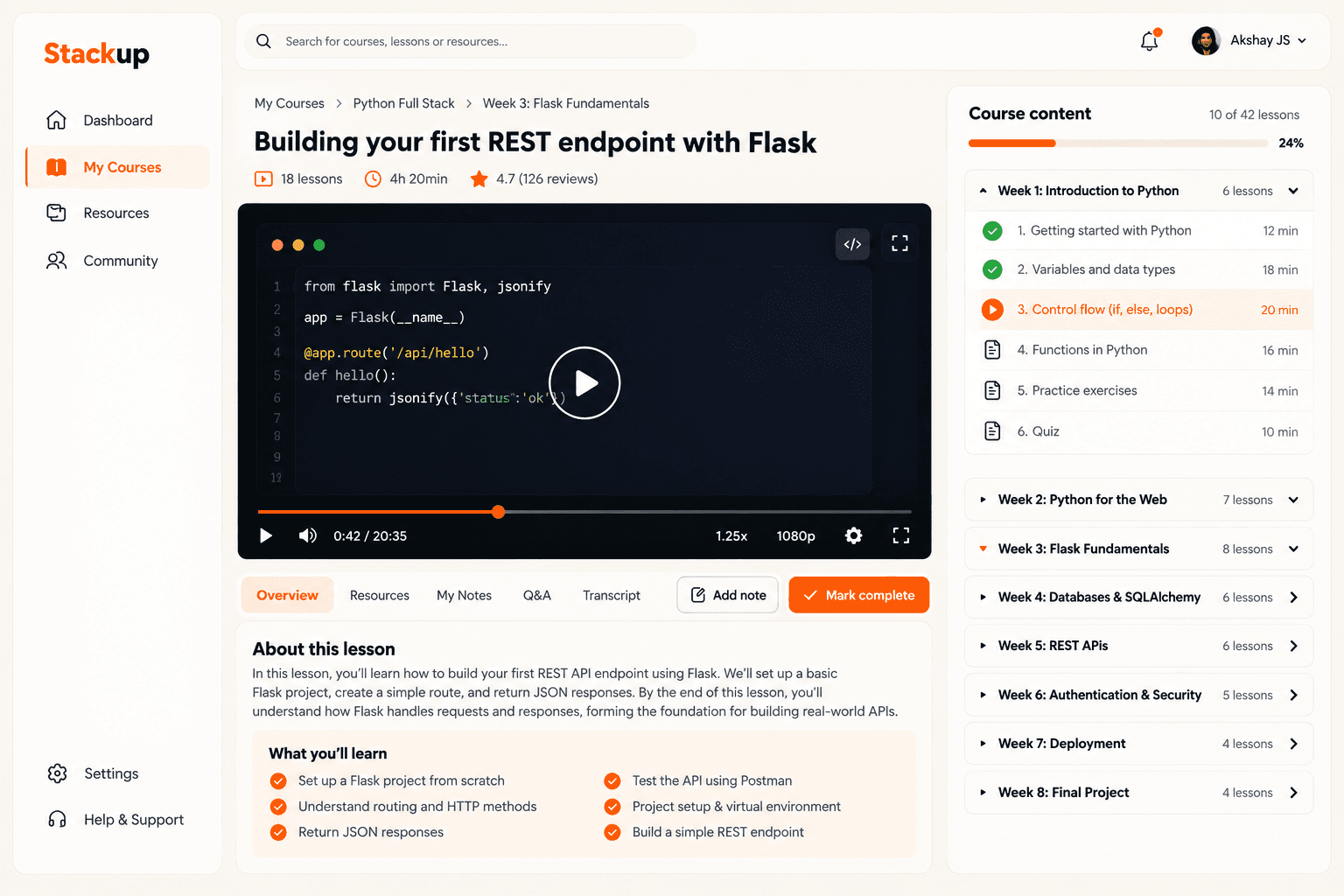
Who it serves
Learners — enrolled in a Stackup program or signed up on their own — the mentors who teach and review them, and colleges or institutes that want to run it for their own students.
What it solves
Course material, practice, feedback and progress no longer sit in scattered chats and folders. Everything a learner needs is in one place, in order.
How it fits our teaching
Mentors teach live — online and at the Stackup Learning Hub. The platform structures everything around those sessions, the same way for online and offline learners: modules, practice, submissions, reviews and progress.
Learn, practise, get reviewed, build.
Learner workspace
One dashboard for the program you're enrolled in.
- Learner dashboard
- Enrolled programs and modules
- Lesson completion
- Upcoming tasks
- Progress tracking
- Learning history
Practice and assessment
Practise each concept, then submit your work for review.
- Assignments
- Quizzes
- Coding exercises
- Auto-graded test cases
- Submissions
Mentor and learner workflows
Feedback and support from your mentors, inside the platform.
- Mentor feedback on submissions
- Announcements
- Group activities
- Doubt support
Project and portfolio tracking
Follow every project from first milestone to portfolio.
- Project milestones
- Repository and submission links
- Review status
- Portfolio outputs
Progress measures learning. Not a promise of a job.
Your dashboard shows how far you are through your program, based on the lessons you complete and the work you submit. Mentor reviews show whether that work meets the bar. Together they tell you and your mentor where you stand, so gaps get fixed early.
Progress is a measure of learning, not a prediction or guarantee of employment. Placement assistance from Stackup Careers is a separate service — resume reviews, mock interviews, interview preparation and referrals.
Every learner on our placement wall trained on the platform. See where they went.
What's live today.
Last updated · October 2026
- Available now
- Live today and used by Stackup learners.
- In development
- Being built. Not available to learners yet.
- Planned
- On the roadmap. Work has not started.
New work appears here as “In development” or “Planned” — never as available until learners can use it.
Your work stays yours.
- Your own account
Every learner signs in to a personal account with their own password.
- Limited access
Only you, your mentors and Stackup admins can see your work and progress.
- Built in-house
Stackup's own team builds and maintains the platform.
Questions about your account or data? Talk to us.
See it in a guided demo.
A mentor will walk you through the learner workspace, a module, and how submissions get reviewed. Colleges and organisations exploring a partnership are welcome too.
The platform is self-serve — anyone can create an account. Request a demo and we'll get you set up.